 Knot
Knot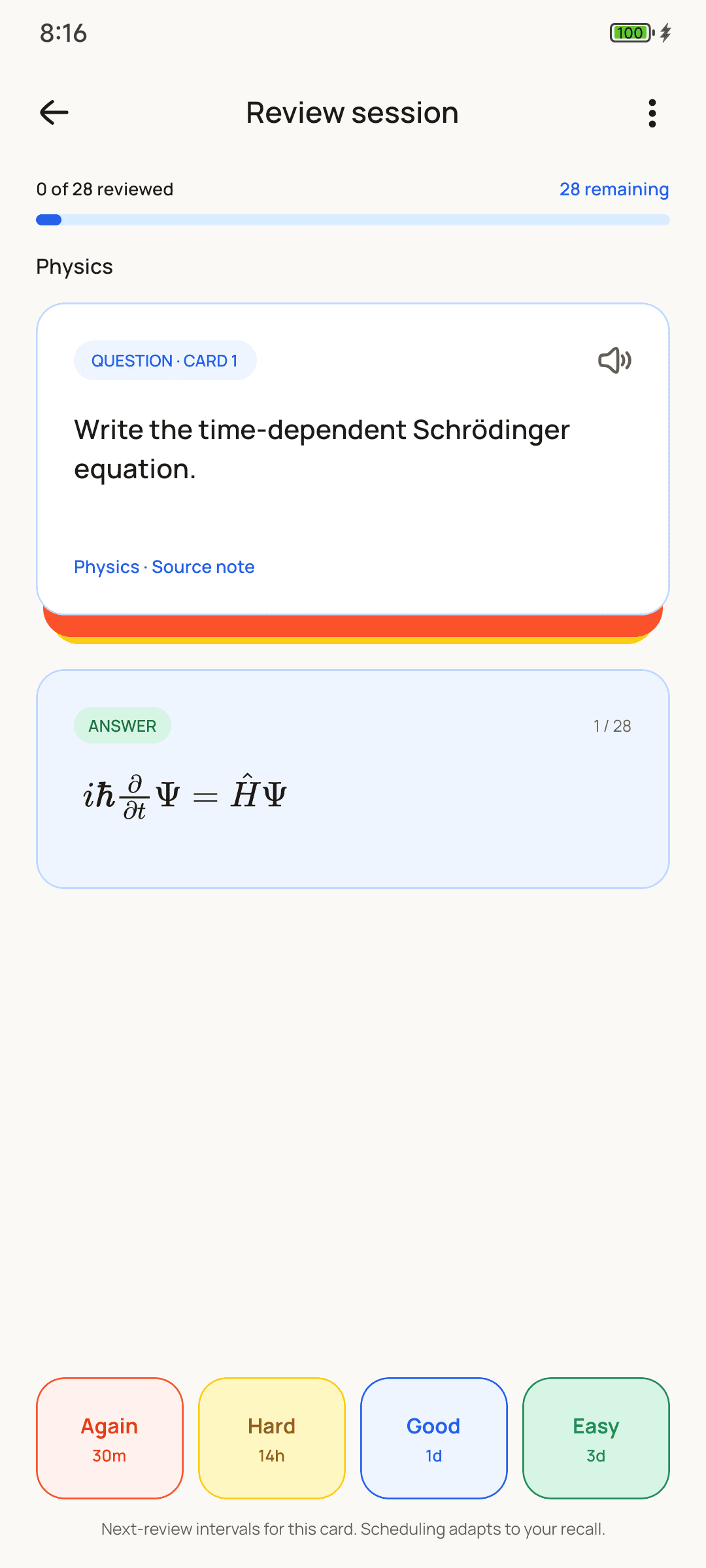
Switching
Up and running in minutes.
Install Knot
It's free on Google Play. Study straight away; an account is only for Ask Knot and Knot Pro.
Make a collection
Group cards by course or topic, the way you'd use Anki decks.
Add your cards
Write them yourself, or let Ask Knot draft them from your lecture slides, a PDF or a photo of a page.
Review each day
Grade each card Again, Hard, Good or Easy, and Knot schedules it with FSRS.
Why Knot
Everything around your cards.
Knot vs Anki
An honest comparison.
Both are free on Android, work offline and use spaced repetition. They differ in what surrounds the flashcards. Anki here means the Anki family: AnkiDroid on Android, Anki on desktop and AnkiMobile on iPhone.
Price on Android
- Knot
- Free; Knot Pro is optional
- Anki
- Free (AnkiDroid)
iPhone
- Knot
- Not yet
- Anki
- AnkiMobile, a one-time purchase
Computer
- Knot
- No
- Anki
- Free on Windows, Mac and Linux
Scheduling
- Knot
- FSRS
- Anki
- FSRS or the classic SM-2
Notes alongside cards
- Knot
- Yes, with maths and linked cards
- Anki
- Cards only
Cards from a photo or PDF
- Knot
- Yes, with Ask Knot
- Anki
- By hand, or with add-ons
Study planner and focus timer
- Knot
- Built in
- Anki
- No; some add-ons on desktop
Shared decks to download
- Knot
- No
- Anki
- Thousands, on AnkiWeb
Sync between devices
- Knot
- A backup file you keep
- Anki
- Free sync with AnkiWeb
Account needed
- Knot
- No; only for Ask Knot
- Anki
- No; only for sync
Ads
- Knot
- None
- Anki
- None
Stay with Anki if…
- you study from shared decks, like the big medical-school decks
- you review on a computer, or switch between phone and computer
- you rely on add-ons or custom card templates
- you have years of cards in Anki: Knot can't import Anki decks yet
FAQ
Questions,
answered.
Something else? Email us.
Is Knot free like Anki?
Yes. Notes, flashcards, reviews, the planner and the focus timer are free, with no ads. Knot Pro is an optional subscription that unlocks Ask Knot on your own AI key; every account gets 3 free tries first.
Does Knot use the same algorithm as Anki?
Knot schedules cards with FSRS, the Free Spaced Repetition Scheduler. Newer versions of Anki offer FSRS too, alongside the older SM-2.
Can I import my Anki decks?
Not yet. For now, Ask Knot can draft new cards from your lecture slides, PDFs or photos, which is often quicker than copying cards over by hand.
Does Knot sync between devices like AnkiWeb?
Not live. Your notes and cards live on your phone, and you can save a backup file from Settings and restore it on a new phone.
Is Knot on iPhone or desktop?
Not yet. Knot is on Android today, through Google Play.
Can I write maths in Knot?
Yes. Notes and both sides of a card handle equations, fractions, Greek letters and chemistry, written the way your textbook shows them.
Start remembering
what you study.
Free on Android. No account, no ads, ready in a minute.
Get it onGoogle Play